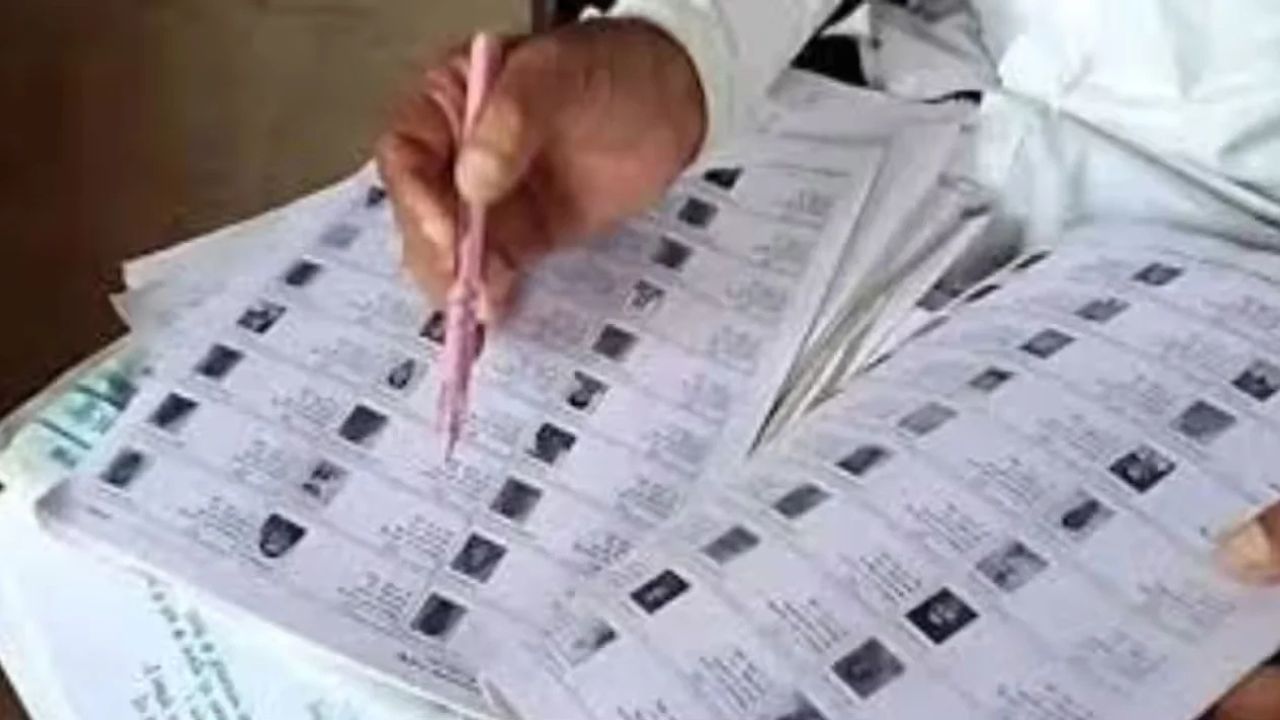
58 lakh names deleted in Bengal after SIR
New Delhi: The Election Commission (EC) today on Tuesday published the list of over 58 lakh voters removed from the rolls in West Bengal after the Special Intensive Revision (SIR) exercise in the state.
The list is available on the Chief Electoral Officer website. The list contains names of voters who were there in the 2025 electoral rolls but were dropped from the 2026 draft rolls.
The EC has also stated the reasons for deletion of the names of voters from the draft electoral rolls of 2026 on its website.
The draft voters list can be accessed from the official website of the West Bengal CEO, the voter portal of the Election Commission of India (ECI). The voters list can also be accessed from the ECINET mobile application.
Here's how to check your status in the electoral roll
You can verify your name in the voter list through the ECI website or state Election commission Websites by following the steps given below:
Basic steps to follow to check name on electoral rolls:
To check if you have your name registered in the electoral rolls, follow the following basic steps:
1. Visit the ECI website, voters.eci.gov.in or electoralsearch.eci.gov.in
2. Enter your Elector's Photo Identity Card or EPIC number. You can also enter your personal details such as name, age, and constituency.
3. Then click on 'Search' to view your voter details.
Alternatively, you can visit the National Voter Service Portal (NVSP) at nvsp.in

