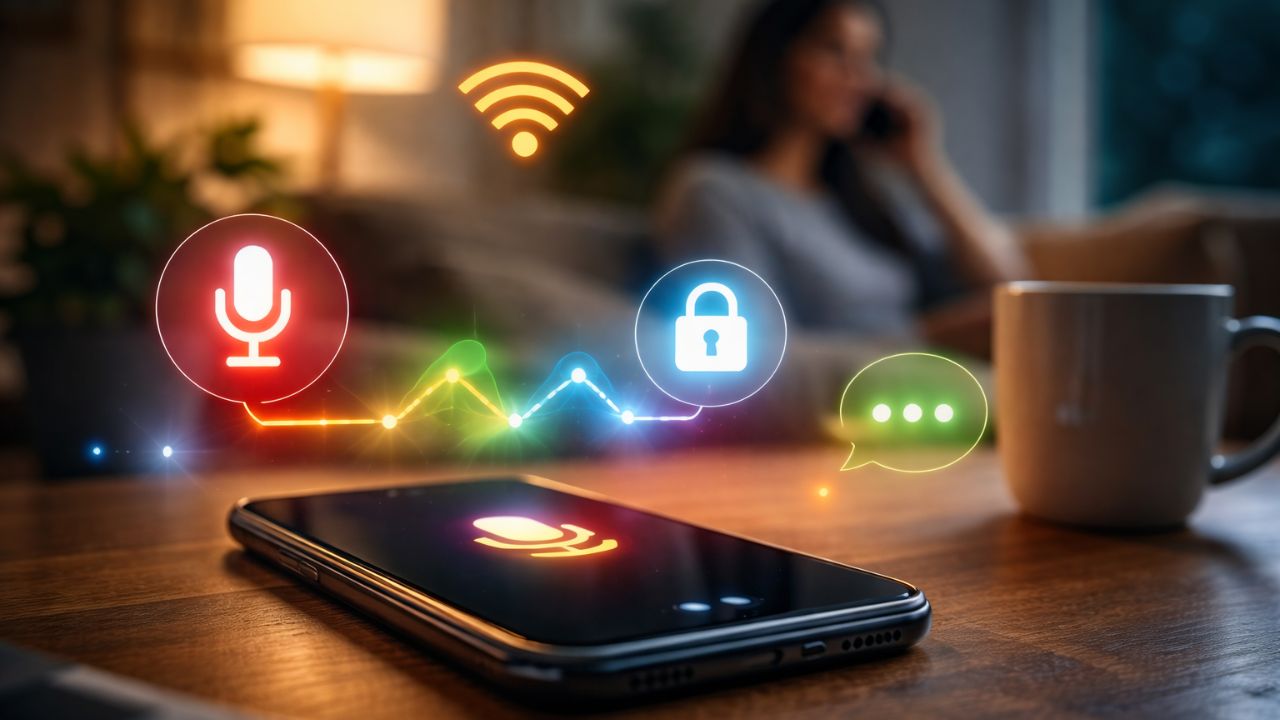
Why Do Ads Seem to Follow Our Conversations?
New Delhi: It has happened to almost everyone at some point—you talk about a product, place, or topic on a phone call, and soon afterward, advertisements related to it start appearing on your phone.
This coincidence often leads people to believe that Google is secretly listening to their conversations. While this idea sounds alarming, the reality is not as straightforward. Google does not continuously spy on users, but it does offer certain features that involve voice data, which can sometimes create this perception.
India Takes the Global AI Lead: New Delhi to Host the World’s Biggest AI Impact Summit in 2026
Google Voice Activity is a feature linked directly to your Google account. It stores voice commands and voice-based searches that you intentionally make while using Google services.
Whenever you say “Ok Google” or “Hey Google,” or use voice search to ask a question, Google may save that audio clip. The primary goal is to improve the accuracy of Google Assistant and provide better, more personalized results over time.
According to Google, voice recording happens only when users activate voice features or allow microphone access. Google states that it does not secretly record conversations in the background.
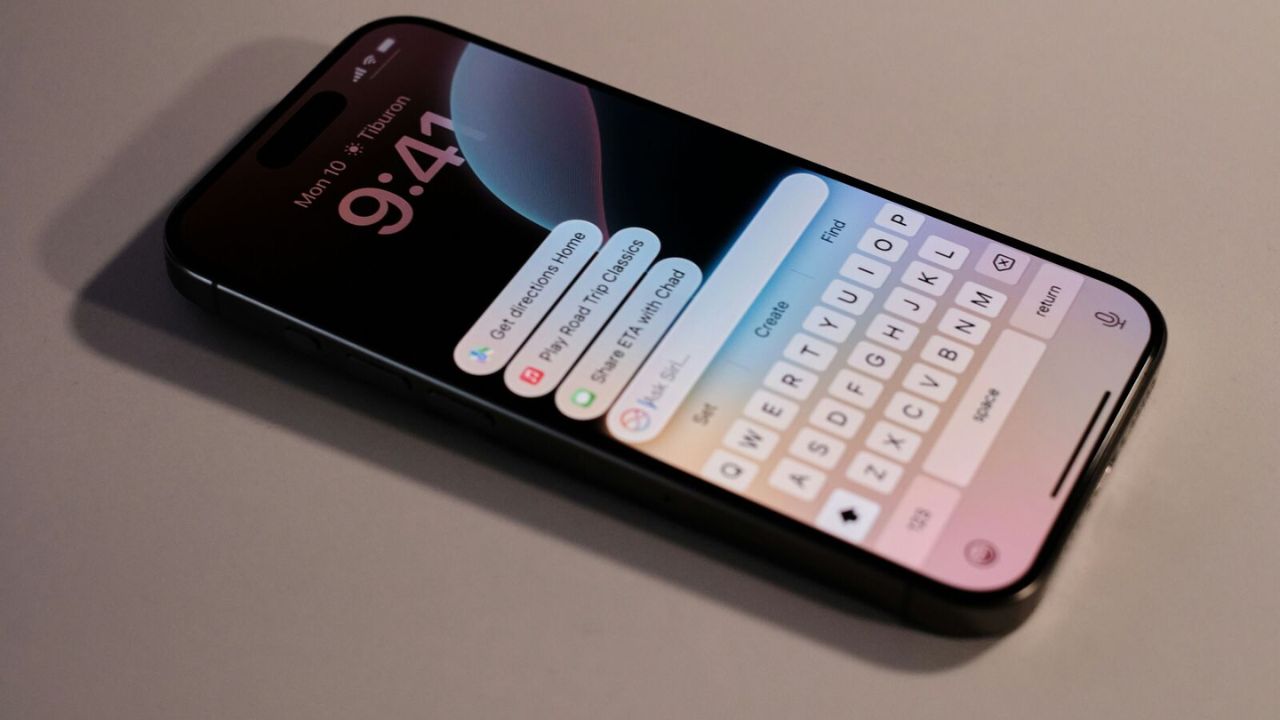
Apple Partners Google Gemini to Reinvent Siri With Smarter AI Features
However, smartphones can sometimes activate accidentally due to similar-sounding words or background noise. When this happens, short audio clips may get saved, leading users to feel that they are being listened to constantly.
If you are curious about what Google has stored, checking is simple. You can log in to your Google account and visit the “My Activity” or “Activity Controls” section. Under “Voice & Audio Activity,” you will find recordings listed with dates and times. Google even allows users to play these recordings, giving full transparency about what has been saved.
If you are uncomfortable with voice recordings being stored, you have full control. You can delete individual recordings or erase all voice activity at once. Additionally, you can turn off “Voice & Audio Activity” completely from your account settings to prevent future recordings from being saved.
Apple iPhone 18 Launch Delayed to 2027 Amid Chip Shortages and Foldable Model Prep
To protect your privacy, regularly review your Google account activity and permissions. Only allow microphone access to apps that truly need it. If you do not use voice commands, disabling the “Hey Google” feature is a smart move. Google Voice Activity is not a spying tool, but being informed and proactive helps you stay in control of your data.


