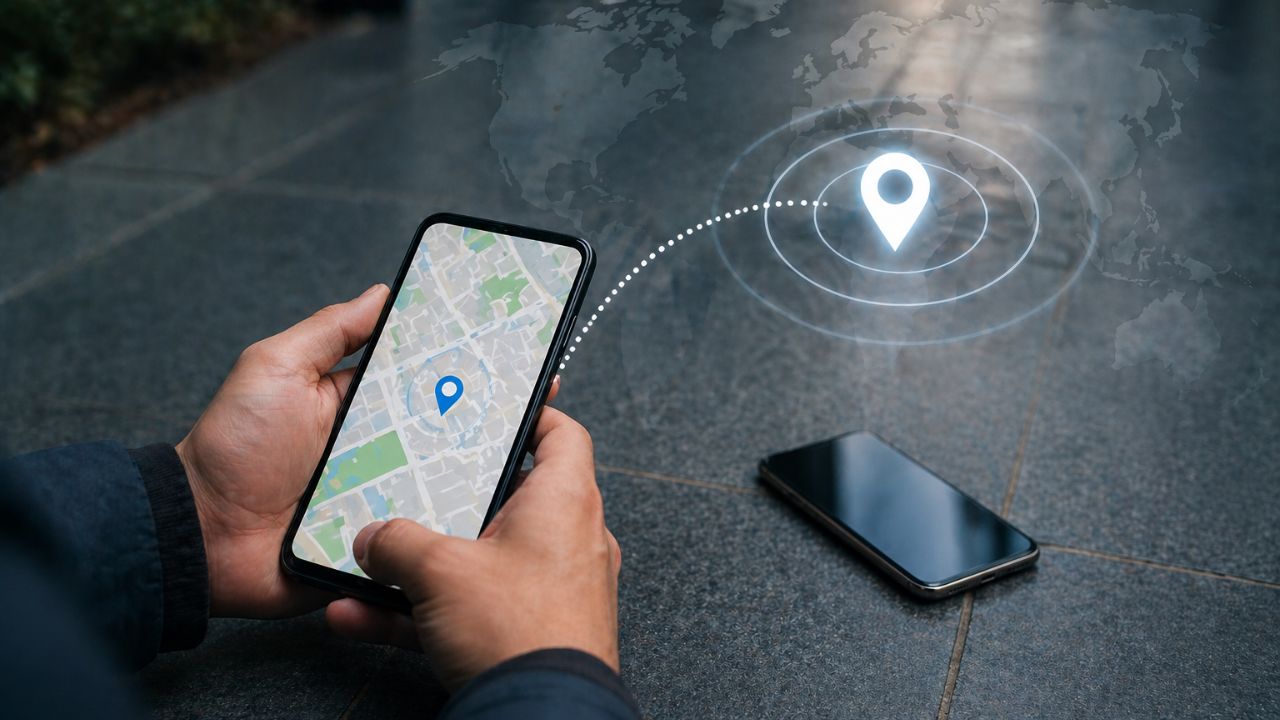
Find a Lost Smartphone Using Google's Find My Device (Image Source: Dynamite News)
New Delhi: In today's world, a smartphone is no longer just a device for making calls; it has become an integral part of our entire lives—whether for banking, social media, or storing personal data. Consequently, losing a phone or having it stolen can be a major inconvenience. However, thanks to modern technology, you can now easily track your lost phone.
'Find My Device' is a specialized tool developed by Google. It assists you in tracking the location of your phone.
This feature operates using GPS, an internet connection, and your Google account. As soon as your phone comes online, you can view its live location displayed on a map.
To utilize this feature effectively, keep the following essential points in mind:
If all three of these conditions are met, your phone can be tracked with ease.
If you have lost your phone, follow these simple steps:
You also have the option to make the phone ring loudly—it will ring even if it is in silent mode, making it easier to locate the device if it is nearby.
If you believe that recovering your phone is unlikely, there is no need to panic:
This ensures that your personal information remains secure.

