 English
 English
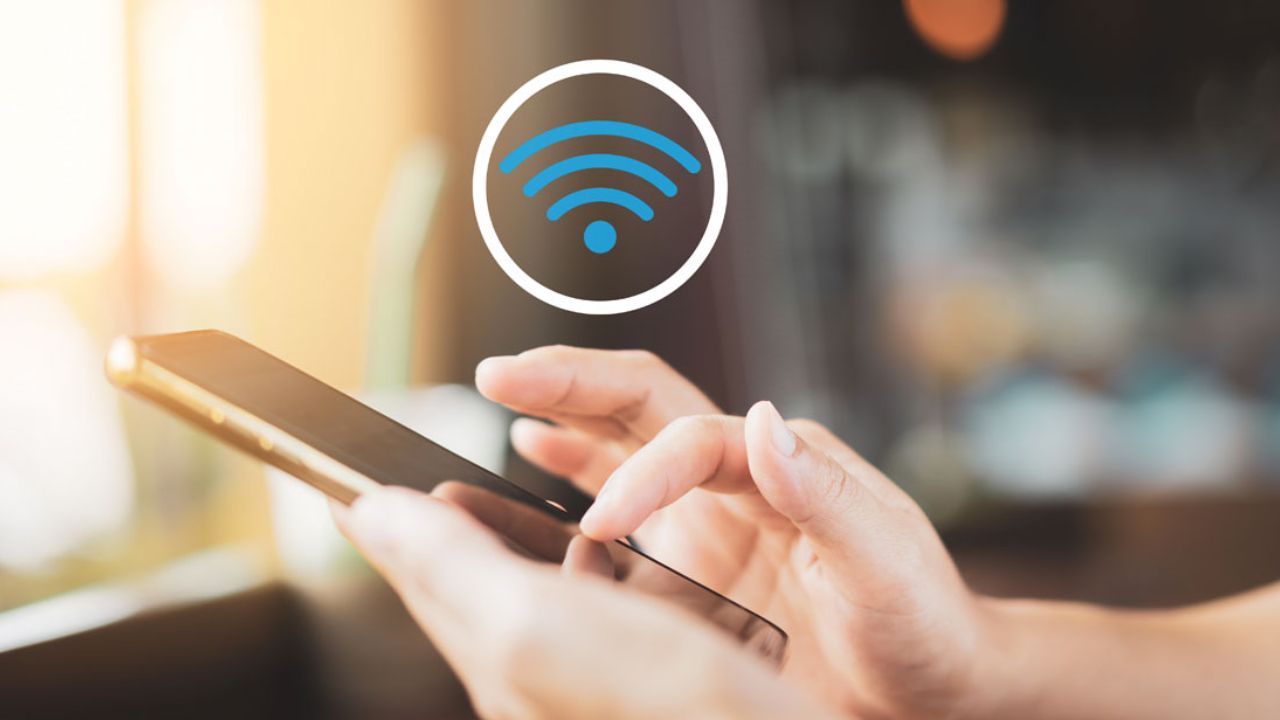
Easy Tricks to Reduce Mobile Data Usage (Image Source: Internet)
New Delhi: Nowadays, most people struggle with the issue of their mobile data running out before the day is even over. The primary reason for this is that many apps continue to consume data in the background without the user's knowledge. Additionally, system updates and app updates consume a significant amount of data, causing your internet allowance to deplete quickly.
The simplest solution is to keep your mobile data turned off when you do not need the internet. This small habit can save a substantial amount of data in the long run. Often, people leave their mobile hotspots turned on, which leads to rapid data consumption. Therefore, you should always go into your phone's settings, check the "Hotspot" or "More Connections" section, and ensure it remains switched off.
Almost every smartphone comes equipped with a "Data Saver" feature. Enabling this feature reduces the data usage of apps running in the background. The benefit of this is that data is not wasted unnecessarily, allowing your internet plan to last much longer.
Whenever possible, use Wi-Fi instead of mobile data. It is far more efficient to stream videos or download files using a Wi-Fi connection—whether at home, at the office, or at any other secure location. This practice can help you save a significant amount of your mobile data.
Many apps update automatically, resulting in heavy data consumption. To prevent this, disable the auto-update feature or configure it to allow updates only when connected to Wi-Fi. Apps like WhatsApp also feature an "auto-download" function that automatically downloads photos and videos; it is crucial to disable this setting.
Open tabs in browsers like Google Chrome or others also consume data in the background. Therefore, close any tabs you no longer need. Additionally, download long videos or music tracks while connected to Wi-Fi so that you can access and enjoy them later without needing an internet connection.
When using Wi-Fi, always choose a secure and trusted network. Connecting to unknown Wi-Fi networks poses a risk of data theft or fraud. Therefore, exercising caution is just as important as employing data-saving techniques.
If you adopt these simple methods, your mobile data will last longer, reducing the need for frequent recharges. With the right settings and a little caution, you can make smarter and more efficient use of your internet.