 English
 English

Granting Unnecessary Permissions Can Lead to Fraud and Malware
New Delhi: After downloading any app on your phone, it requests various permissions. Often, people grant these permissions without checking, increasing the risk of data theft. For example, a photo editing app only needs access to the camera and photo gallery. However, sometimes unnecessary permissions are requested, such as a flashlight app requesting access to your contacts.
If an app requests unnecessary permissions and you grant them, it can have serious consequences. These permissions allow the app to install malware on your device, track your location, and steal your data. The risk of financial fraud also increases. Therefore, always grant only the necessary permissions to apps.
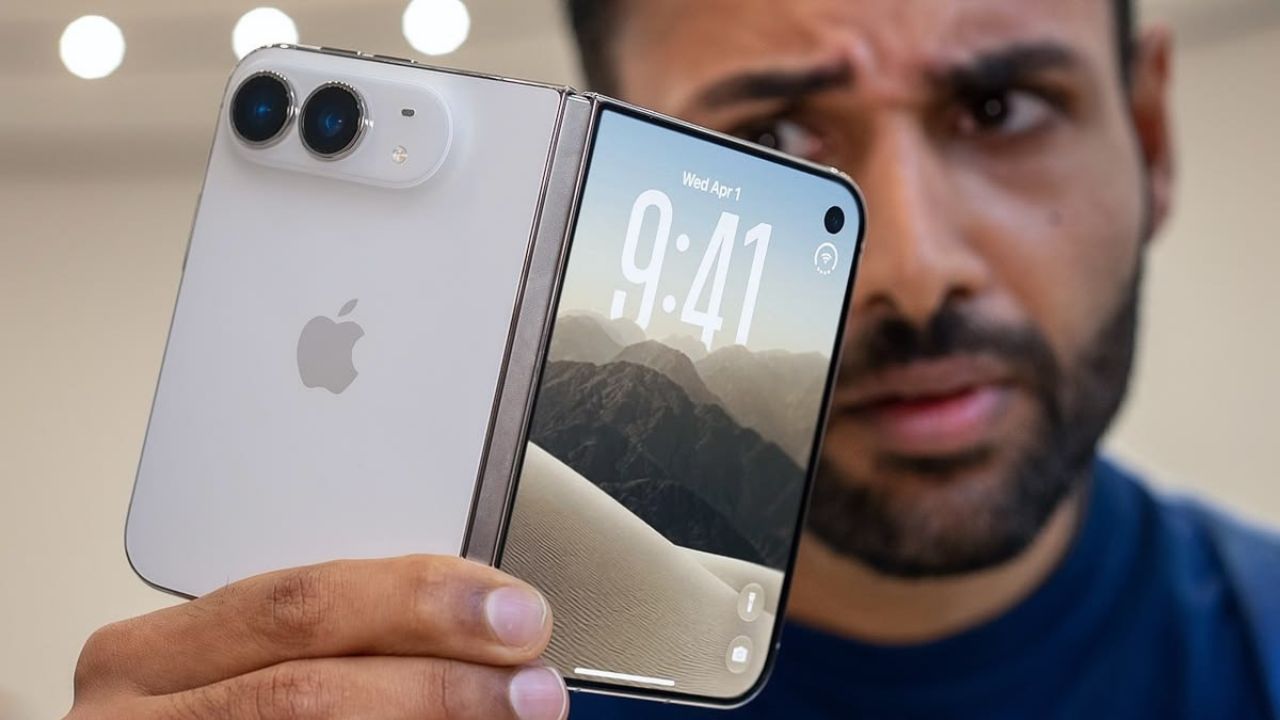
A foldable iPhone, seven models and a new launch plan; What is Apple up to?
Many apps request camera and microphone permissions. With these permissions, your conversations can be listened to or you can be recorded. Experts suggest granting these permissions only when absolutely necessary for the app's functionality. For location permissions, use the "Only while using the app" option to prevent your location from being tracked continuously.
Storage and contacts contain important data. Grant this access only to apps that truly need it. This will keep your private data safe and prevent it from falling into the wrong hands. Remember that granting unnecessary permissions can compromise your smartphone's security.
OnePlus 15R launching today in India with powerful features; Know everything
App permissions are the authorizations that allow an app to access features or data on your device. These are granted voluntarily. For example, a photo editing app needs access to the photo gallery and camera. Some apps also request permission to run continuously in the background, which you should only allow if necessary.